



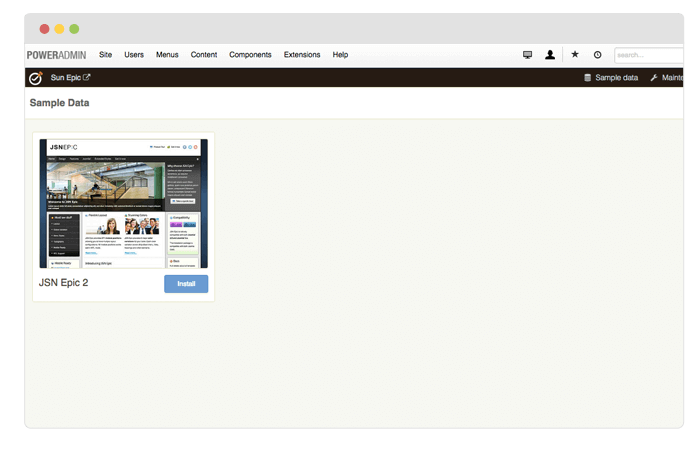
One of the fastest and easiest ways to learn template is to install sample data and start playing with it. JSN Time 2 provides unique mechanism of installing sample data directly on your current website. Just few steps and the demo website is here.
Setup sample data
Go to template settings page and click button «Sample data» on the topbar menu.
There are 2 options for you to choose: Install only layout and style or Install only layout and style.
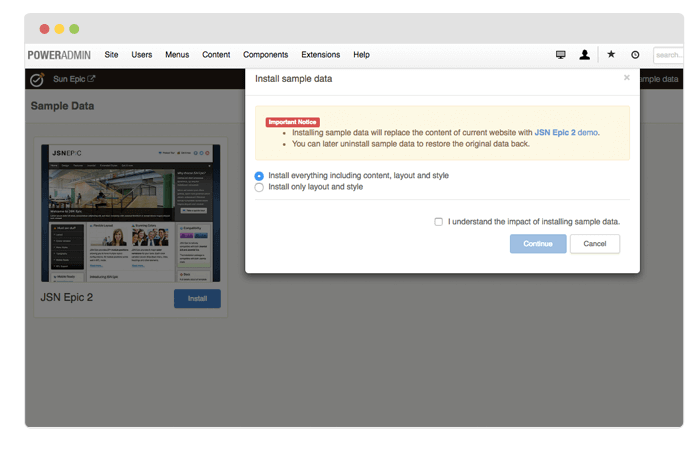
The installation process would start instantly and you would get the website in less than a minute.